Hermes Agent Is Brilliant on the Command Line.
See Your Screen With EasyClaw.
Hermes Agent owns OpenRouter with 140K GitHub stars — and for good reason. Its self-improving agent loop is legendary. But it stops at the terminal. EasyClaw picks up where the terminal ends: your actual desktop, your real apps, your screen.
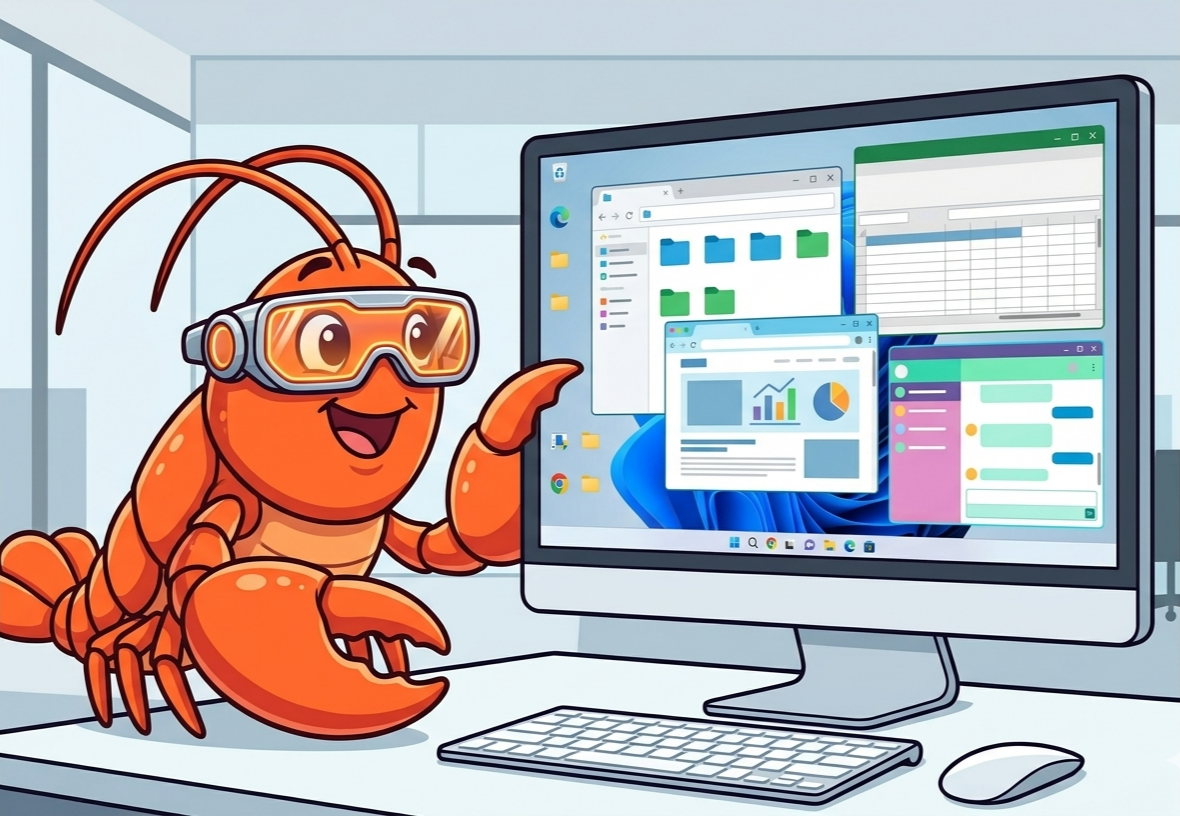
Powerful Architecture. Painful Operator Experience.
We respect Hermes Agent deeply. It pioneered the self-improving agent paradigm. But after interviewing 200+ Hermes users, four friction points keep coming up — and they all point to the same thing: the terminal is not enough.
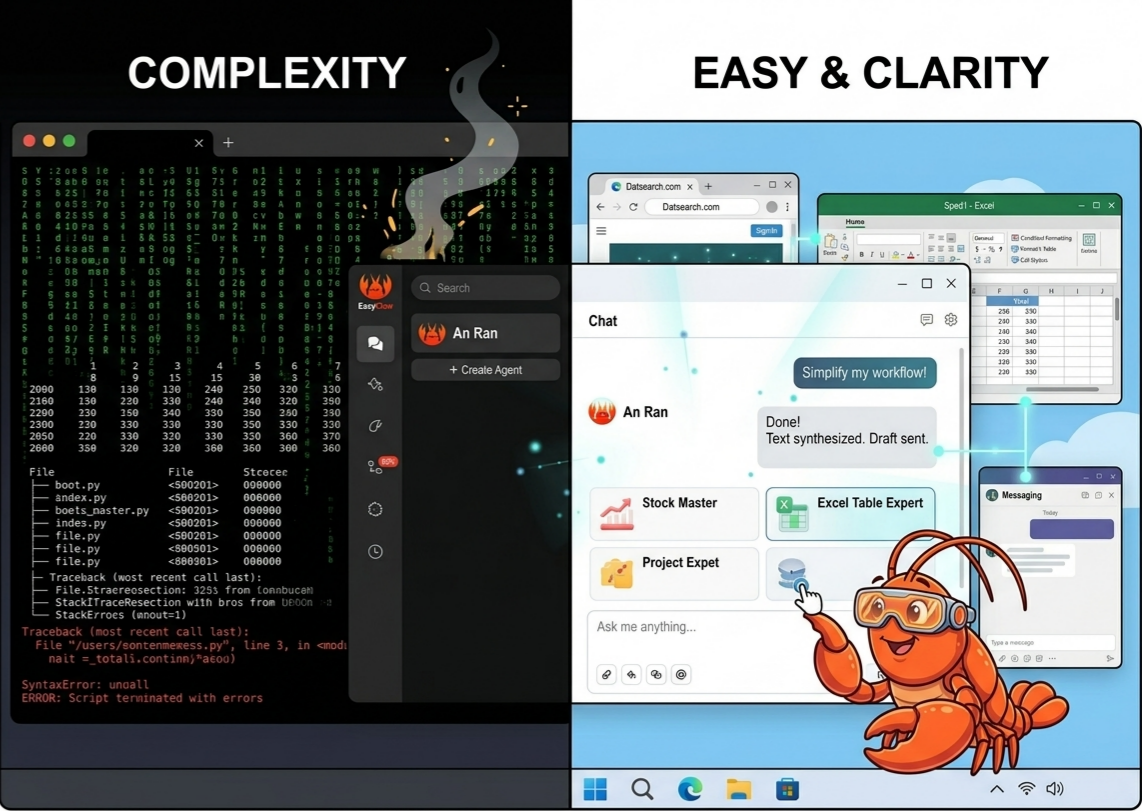
Python Dependency Hell
Installing Hermes means managing Python venvs, pip conflicts, system dependencies, and CUDA toolkits. One bad version and your agent loop breaks silently. EasyClaw is a single installer. Done.
Feature-by-Feature Comparison
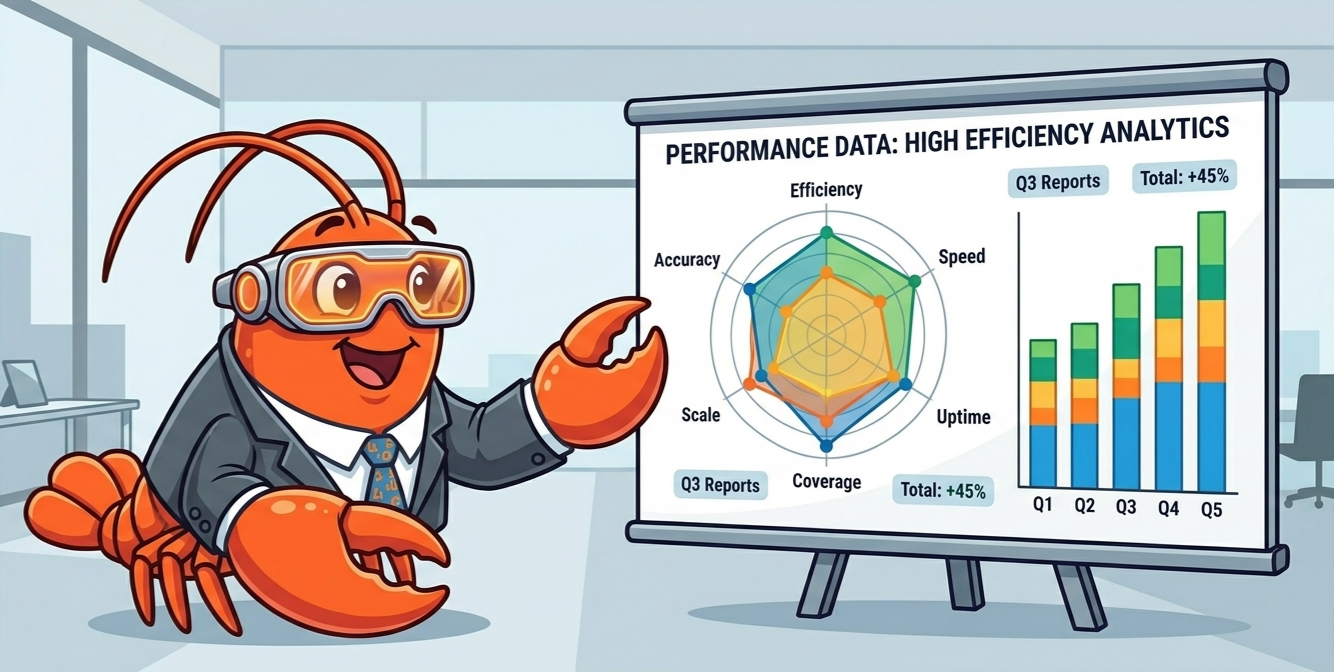
Hermes Agent leads on open-source purity and headless deployment. EasyClaw leads on desktop integration and operator experience. Here's the data.
| Feature | Hermes Agent | EasyClaw | |
|---|---|---|---|
| Setup | ✗Python venv + pip + CUDA | ✓One-click Windows installer | Setup Hermes:✗ Python venv + pip + CUDA EasyClaw:✓ One-click Windows installer |
| Desktop Integration | ✗Terminal-only | ✓Full GUI + screen vision | Desktop Integration Hermes:✗ Terminal-only EasyClaw:✓ Full GUI + screen vision |
| User Interface | △CLI / Text-based | ✓Native desktop app | User Interface Hermes:△ CLI / Text-based EasyClaw:✓ Native desktop app |
| Model Access & Cost | △BYOK (bring own keys) | ✓Bundled models included | Model Access & Cost Hermes:△ BYOK (bring own keys) EasyClaw:✓ Bundled models included |
| Self-Improving Memory | ✓Closed learning loop | ✓Multi-memory + GUI context | Self-Improving Memory Hermes:✓ Closed learning loop EasyClaw:✓ Multi-memory + GUI context |
| Messaging Channels | △API-based only | ✓6 platforms + desktop clients | Messaging Channels Hermes:△ API-based only EasyClaw:✓ 6 platforms + desktop clients |
| Security Model | ✓Self-managed | ✓Enterprise sandbox | Security Model Hermes:✓ Self-managed EasyClaw:✓ Enterprise sandbox |
| Skill Ecosystem | ✓Open-source skills | ✓Visual builder + open skills | Skill Ecosystem Hermes:✓ Open-source skills EasyClaw:✓ Visual builder + open skills |
| VPS Requirement | ✓Runs on VPS | ✗Desktop-only (by design) | VPS Requirement Hermes:✓ Runs on VPS EasyClaw:✗ Desktop-only (by design) |
| Multi-Agent | ✓Sub-agent spawning | ✓Sub-agent + desktop tasks | Multi-Agent Hermes:✓ Sub-agent spawning EasyClaw:✓ Sub-agent + desktop tasks |
| Deployment Target | △Servers / Headless | ✓Windows desktop | Deployment Target Hermes:△ Servers / Headless EasyClaw:✓ Windows desktop |
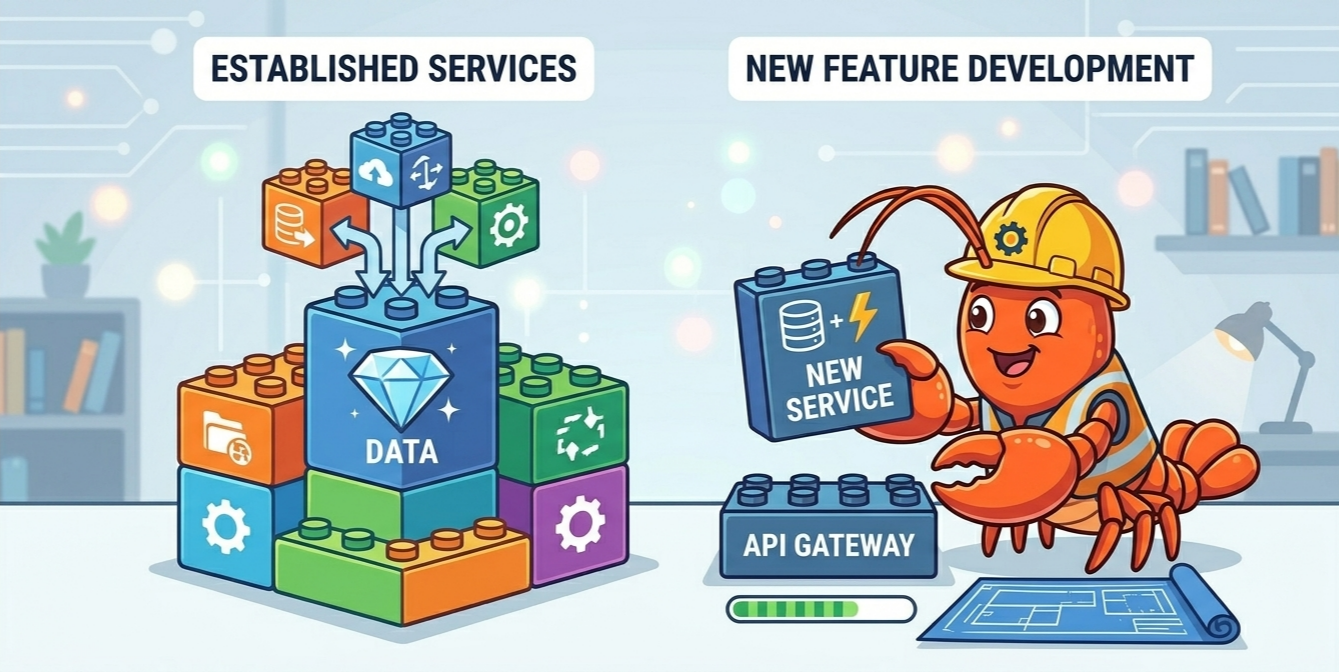
Architecture Built for the Screen
Hermes Agent's architecture is optimized for headless servers. EasyClaw's architecture is built from the ground up for the desktop — screen vision, window control, native app integration.
Enterprise Desktop Sandbox
Every action runs in an isolated sandbox with permission gates. Screen access, file writes, and network calls all require explicit approval. Unlike Hermes Agent's self-managed security, EasyClaw adds a desktop-native security layer.
Native Window & App Control
EasyClaw sees your screen in real-time, identifies UI elements, and controls native Windows applications. It can click buttons, fill forms, read spreadsheets — things a terminal agent simply cannot do.
Visual Skill Builder
Build skills visually — no code required. Record actions on your desktop, and EasyClaw turns them into reusable, shareable skills. Compare to Hermes Agent's code-only skill development.
When to Use Which
We're not here to tell you Hermes Agent is bad. It's not. It's exceptional at what it does. Here's an honest breakdown of when each tool shines.
- You need a headless agent running 24/7 on a VPS
- You're comfortable managing Python environments and API keys
- You work primarily in terminals and code editors
- Open-source purity is non-negotiable for your workflow
- You want an agent that sees and controls your actual desktop
- You need zero-config installation — no Python, no keys
- You work across browsers, spreadsheets, messaging apps, and design tools
- You want visual skill building without writing code
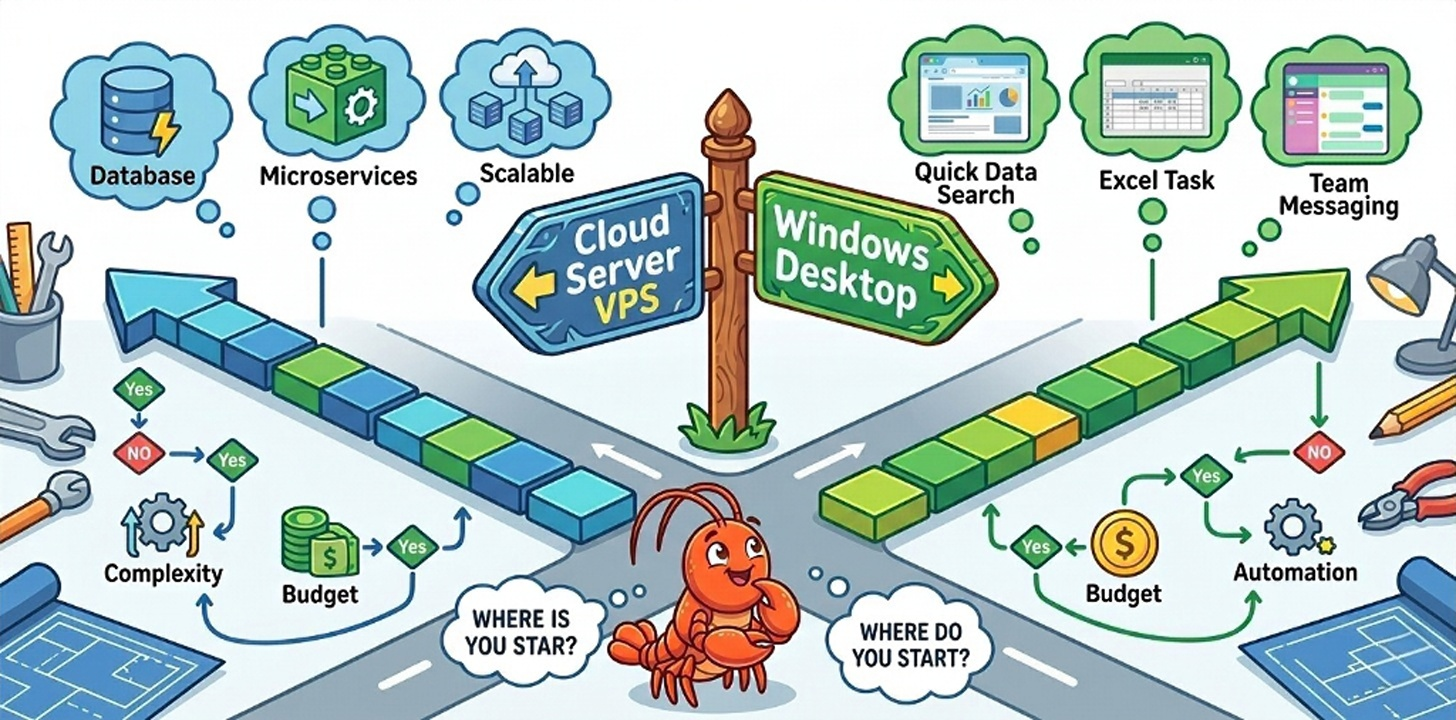
Migrate from Hermes Agent in 3 Steps
You don't have to abandon Hermes. Many users run both. But if you want desktop superpowers, here's how to get started.
Download & Install
One installer, 30 seconds. No Python, no venv, no API keys. EasyClaw bundles everything.
Hermes: pip install + config → EasyClaw: double-click
Connect Your Apps
Grant screen access and connect your messaging platforms. EasyClaw auto-discovers your desktop environment.
Hermes: configure APIs → EasyClaw: one-click auth
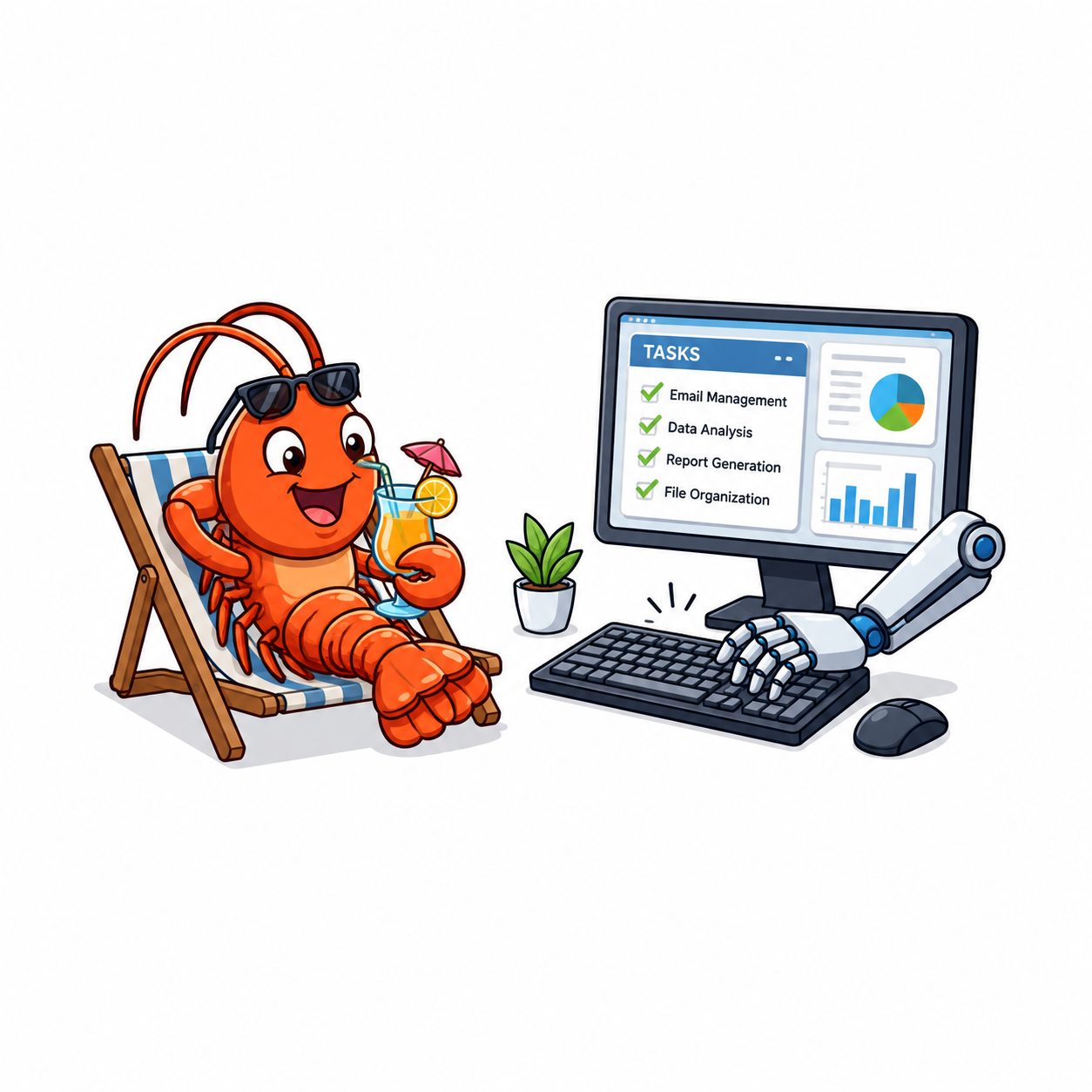
Run Your First Desktop Task
Ask EasyClaw to do something on your screen. It sees, plans, and executes — with you in control at every step.
Hermes: text-in/text-out → EasyClaw: screen-in/screen-out
What Users Are Saying
Frequently Asked Questions
Related Comparisons & Resources
Stop Configuring. Start Automating.
Hermes Agent taught us what self-improving agents can do. EasyClaw brings that power to your desktop — no Python, no keys, no terminal required.