EasyClaw Use Cases
AI agents for the work your team repeats every day
Explore practical workflows where EasyClaw can read screens, operate desktop and web apps, and finish multi-step work across your existing tools.
Workflow library
Start with a workflow. Expand into a full AI operating layer.
Begin with the everyday work your team already knows too well: checking dashboards, preparing reports, creating campaigns, and moving information between tools. These examples are just the first wave, with more team workflows coming next.
 Daily store ops
eCommerce
Monitor stores, summarize dashboards, track competitors, draft replies, and push daily reports to the team.
 Content pipeline
Marketing
Turn briefs into assets, organize campaign variants, prepare channel copy, and keep creative work moving.
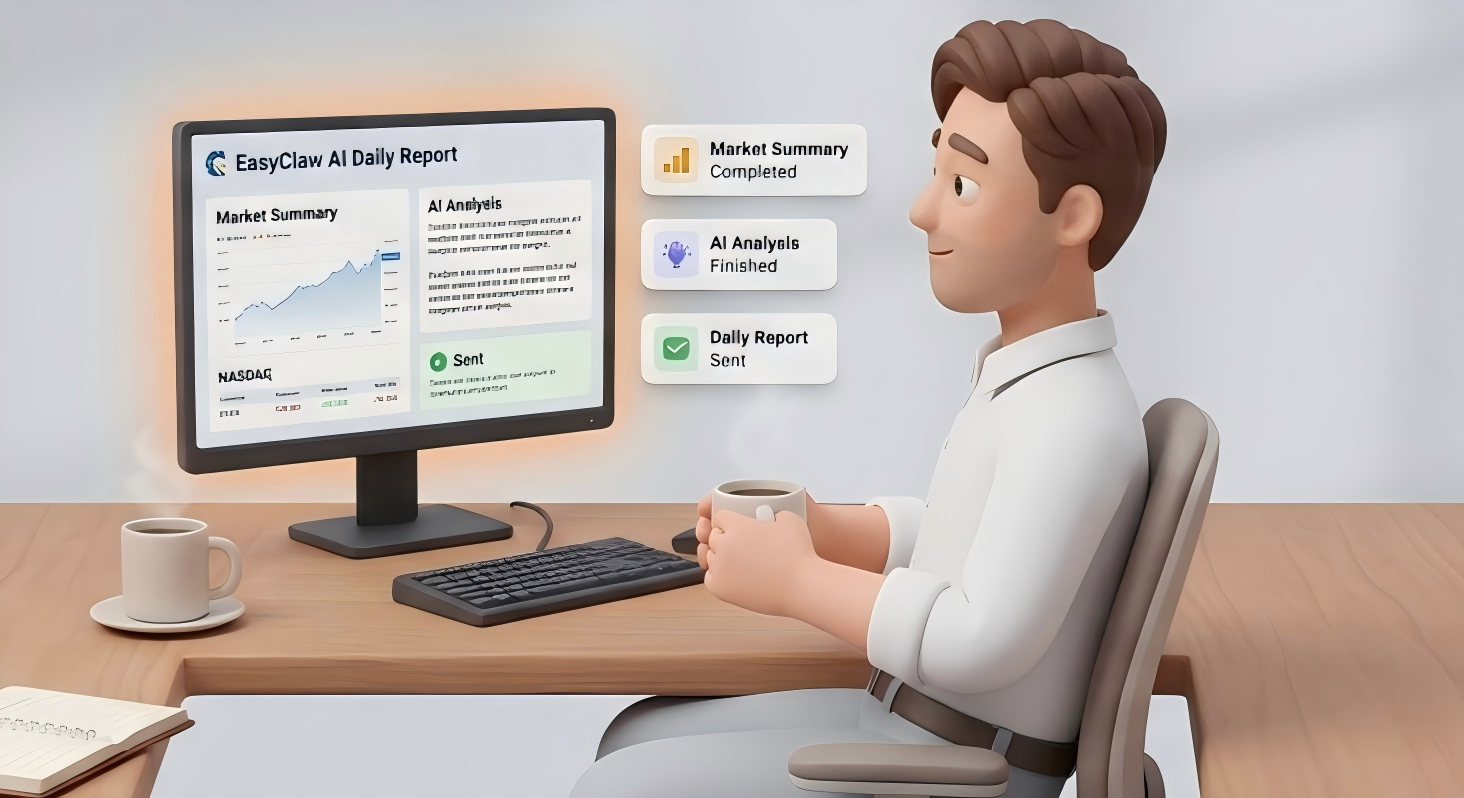 Research automation
Finance
Collect market signals, watch key tickers, generate AI summaries, and send structured updates to Slack or Teams.
 Gaming automation
Gaming
Track patches and deals, sync mod updates, filter Discord, and get daily Reddit digests without switching between tabs.
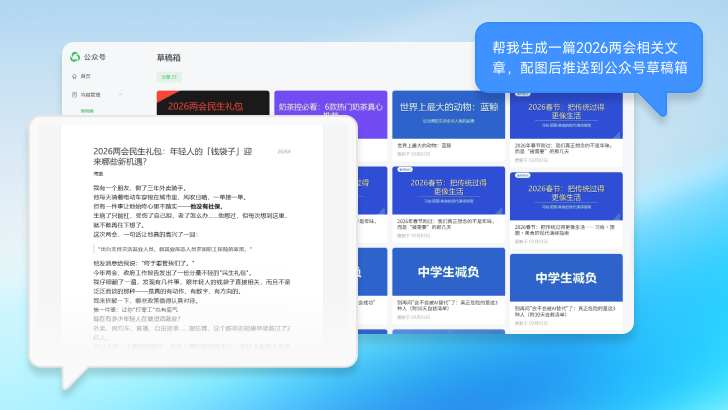 Creative workflow
Content Creation
Discover ideas, draft scripts, generate creative assets, adapt content for each platform, and understand what is working.
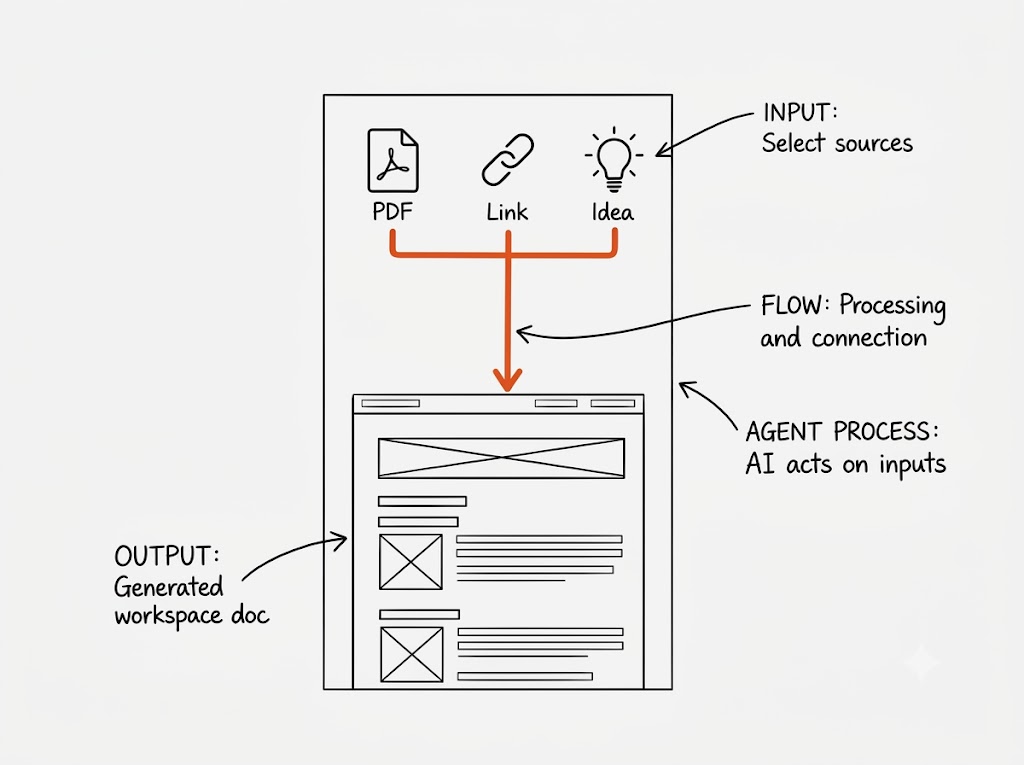 Knowledge workflow
Education
Organize course materials, build lesson plans, summarize research, prepare study workflows, and preserve knowledge for the next project.
How EasyClaw fits
One agent model, many business surfaces.
Connect the tools you already use
EasyClaw works across desktop apps, browser apps, messaging tools, spreadsheets, and internal dashboards.
Describe the business outcome
Ask for the report, campaign, alert, summary, or data check in natural language instead of building a brittle script.
Let the agent execute locally
The agent reads screens, clicks, types, checks results, and sends finished work back through your preferred channel.
Ready to automate a real workflow?