Build Powerful AI Agents
in Minutes.
Stop configuring. Start executing. EasyClaw interacts with system-level UI and Web apps like a human, natively driving your Mac or Windows workstation.
What is EasyClaw?
EasyClaw transforms AI agent development from a complex engineering challenge into a simple, intuitive product experience.
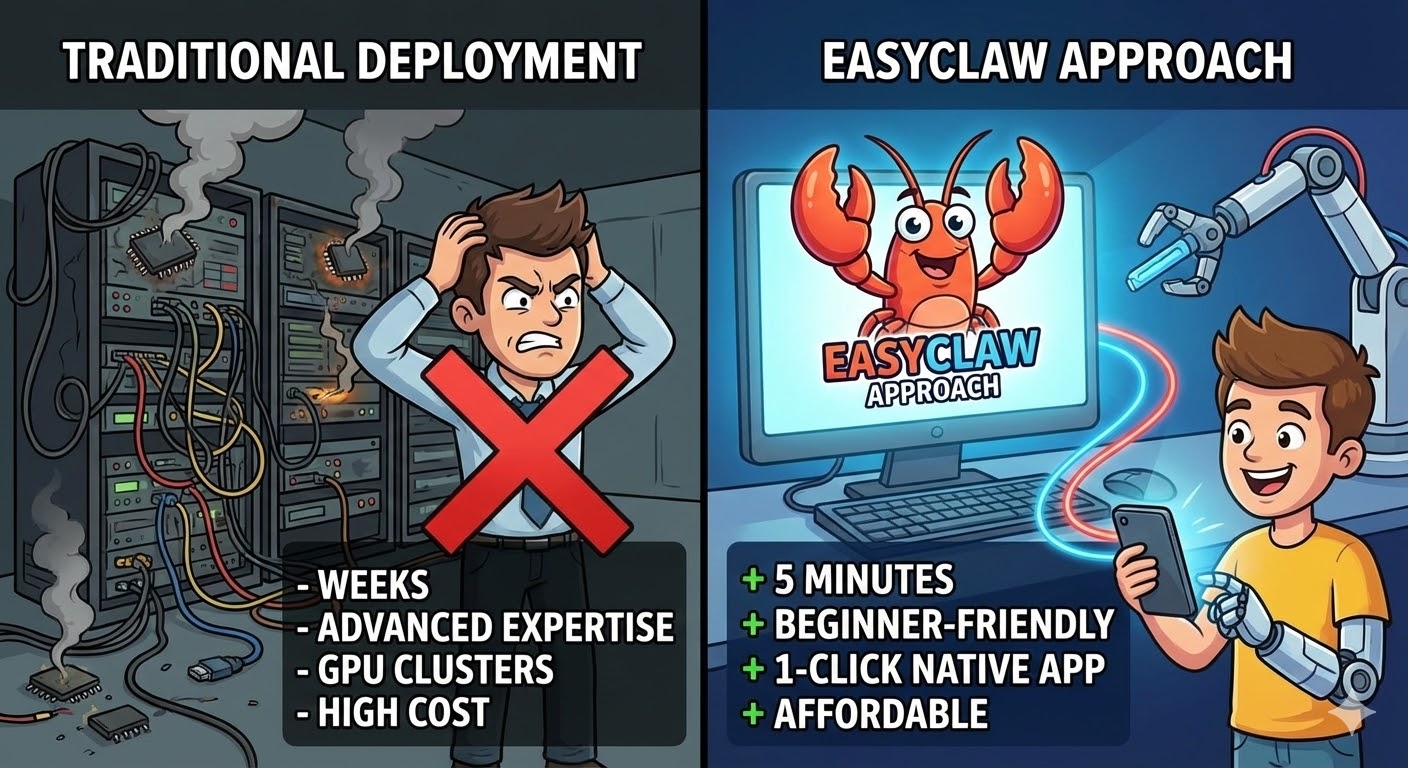
Traditional Approach
Complex, time-consuming, requires deep expertise
- ⏱️ Setup TimeWeeks
- 🎓 Expertise RequiredAdvanced
- 💻 InfrastructureGPU Clusters
- 🔧 MaintenanceOngoing
- 💰 CostHigh
EasyClaw Approach
Simple, fast, designed for everyone
- ⚡ Setup Time5 Minutes
- 🚀 Expertise RequiredBeginner
- ☁️ Infrastructure1-Click Native App
- ✨ MaintenanceZero
- 💚 CostAffordable / Credits
How EasyClaw Works
Four simple steps from idea to production. No complexity. No DevOps.
Choose Model
Pick the right intelligence
Create Agent
Define its purpose
Add Skills
Connect tools & APIs
Deploy
Live in seconds
What People Build With EasyClaw
EasyClaw isn't just a chatbot platform. It's an AI workforce builder.
EasyClaw vs OpenClaw
If OpenClaw is "build everything yourself," EasyClaw is "just build your agent."
OpenClaw Build everything yourself | EasyClaw Just build your agent | |
|---|---|---|
| 💻 Deployment | Requires hardware setup | Fully managed Native OS |
| 🧠 Model Integration | Manual configuration | Built-in selection |
| 📊 Learning Curve | Technical expertise required | Beginner-friendly |
| ⚡ Launch Time | Hours or days | Minutes |
| 💰 Cost | High infrastructure costs | Pay-as-you-go / Free Credits |
| 🔧 Maintenance | Ongoing DevOps required | Zero maintenance |
The Bottom Line
OpenClaw gives you maximum control but requires deep technical expertise and significant infrastructure investment.
Why Choose EasyClaw?
Get production-ready agents in minutes with zero DevOps, zero infrastructure hassle, and zero learning curve. Focus on building, not configuring.
The EasyClaw Playbook
A proven framework to scale your automation confidently. Follow the progression path and avoid common pitfalls.
Part 1: Your Path to Mastery
Beginner
Your first steps into AI automation
- ✓ Single agent
- ✓ Default model
- ✓ Basic skills
Builder
Unlock advanced workflows
- ✓ Multi-agent workflows
- ✓ Structured automation
- ✓ Custom skills
Power User
Enterprise-scale automation
- ✓ API integrations
- ✓ High-volume execution
- ✓ Advanced orchestration
Part 2: Common Mistakes
Choosing the most expensive model for simple tasks
Use lightweight models for basic automation to save credits and increase speed.
Adding too many skills at once
Start simple. Add complexity gradually to isolate where errors might occur.
Not testing with small prompts
Iterate quickly on a small dataset before running full, hours-long workflows.
Frequently Asked Questions
What exactly is EasyClaw?
Do I need my own API keys to use it?
What are the system requirements?
Start Building Today
EasyClaw eliminates infrastructure friction so you can focus on building intelligence.
Build Your First AI Agent NowDownload is completely free. 200 daily credits included.