Update alerts, intel aggregation, and daily automation run quietly in the background.
The better setup
Why EasyClaw?
Manual
Generic AI chat
EasyClaw Recommended
Learning curve
Huge time cost
Prompt skills needed
Natural language, zero code
Platform coverage
One at a time
No live platform access
Gaming platforms in one view
Automation
Fully manual
Chat only
Scheduled workflows
Data privacy
Locally controlled
Cloud-stored chat data
100% local
Gaming context
Manual translation
Manual annotation
Buff / nerf / meta tagged
Cost
Time cost
Monthly subscription
Free tier available
Zero FPS drop. No ban anxiety.
Built for hardcore gamers. EasyClaw works quietly in the background.
Zero FPS impact
Minimal memory footprint. EasyClaw never steals CPU or GPU, so FPS stays rock solid.
Anti-cheat safe
No process injection or memory tampering. Works through official APIs and stays out of your game.
One system, all devices
Runs on your PC and sends deals and hot posts to your phone or Discord. No alt-tabbing.
FAQ
Questions, answered.
Everything you need to know before you hand off the busywork.
What does EasyClaw do for gamers?
EasyClaw is a desktop AI assistant for the work around your games. It tracks updates and deals, monitors mod changes and community discussions, filters Discord activity, and turns the useful information into summaries and scheduled workflows.
Will EasyClaw affect my FPS or game performance?
EasyClaw is designed to run quietly in the background with a minimal memory footprint. It does not run inside your game process or take over your CPU and GPU, so it is built to keep your gameplay performance stable.
Is EasyClaw safe to use with anti-cheat systems?
EasyClaw does not inject into game processes or modify game memory. Its gaming workflows use official APIs and connected services. Compatibility can still depend on the specific game, platform, and integration, so EasyClaw should not be treated as a replacement for a game publisher's anti-cheat guidance.
Which gaming platforms and services does EasyClaw support?
The gaming workflows cover services such as Steam, Epic Games Store, GOG, PlayStation Store, Nexus Mods, Discord, Reddit, official game sites, and gaming video sources. Available actions depend on the current integration for each service.
Can EasyClaw monitor multiple games at the same time?
Yes. You can track multiple games in one workflow and receive a consolidated update digest. The page preview shows updates grouped across games, while the Reddit workflow supports multi-game subreddit monitoring.
Does EasyClaw run locally?
EasyClaw is a native desktop app designed to keep your gaming workflows local and run them in a sandbox. Connected services may still require their own network access and account permissions.
Is EasyClaw free, and how do I get started?
EasyClaw includes a free tier. Download the desktop app, tell it which games and services you use, and let it configure the workflow. You can start with the daily digest and add more automations as you need them.
Ready?
One AI. All gaming chores.
From update tracking to community management, EasyClaw automates it all. A 3-minute install, then let AI do the rest.

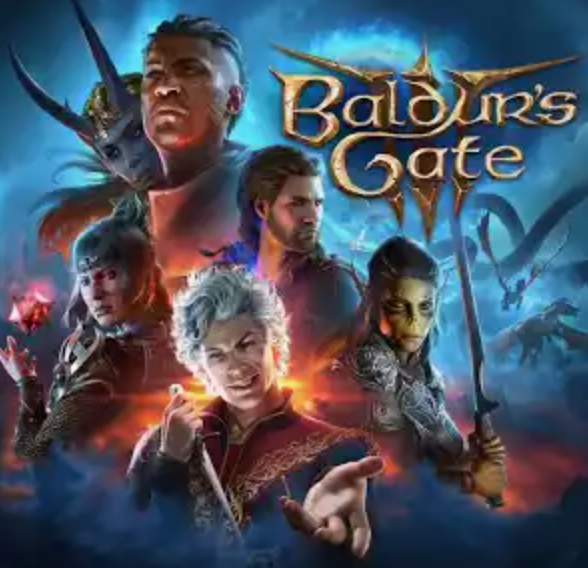


 Elden RingSteam · $59.99 → $35.99ATL
 Hades IIEpic · $29.99 → $20.99Deal
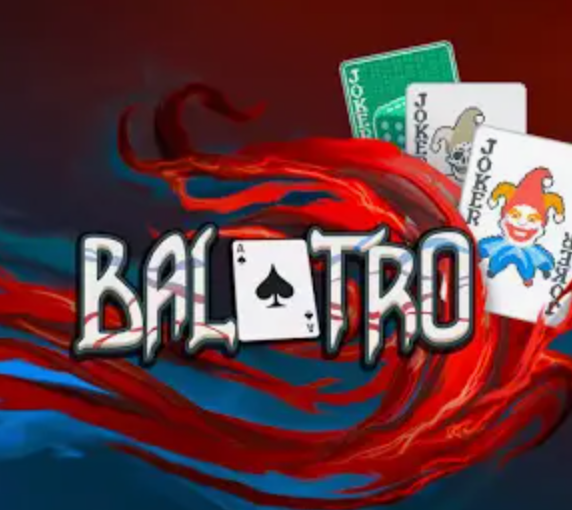 BalatroGOG · $14.99 → $7.49Deal