Connect Facebook to EasyClaw
Link your Facebook account to EasyClaw so you can create and manage Facebook content right from your AI assistant.
• EasyClaw is installed and running on your computer
• You have a Facebook account
• Your network allows access to Facebook
Setup Steps
Find Facebook inside EasyClaw
Open EasyClaw → click Connector in the left sidebar → choose Facebook → click Authorize & Connect.
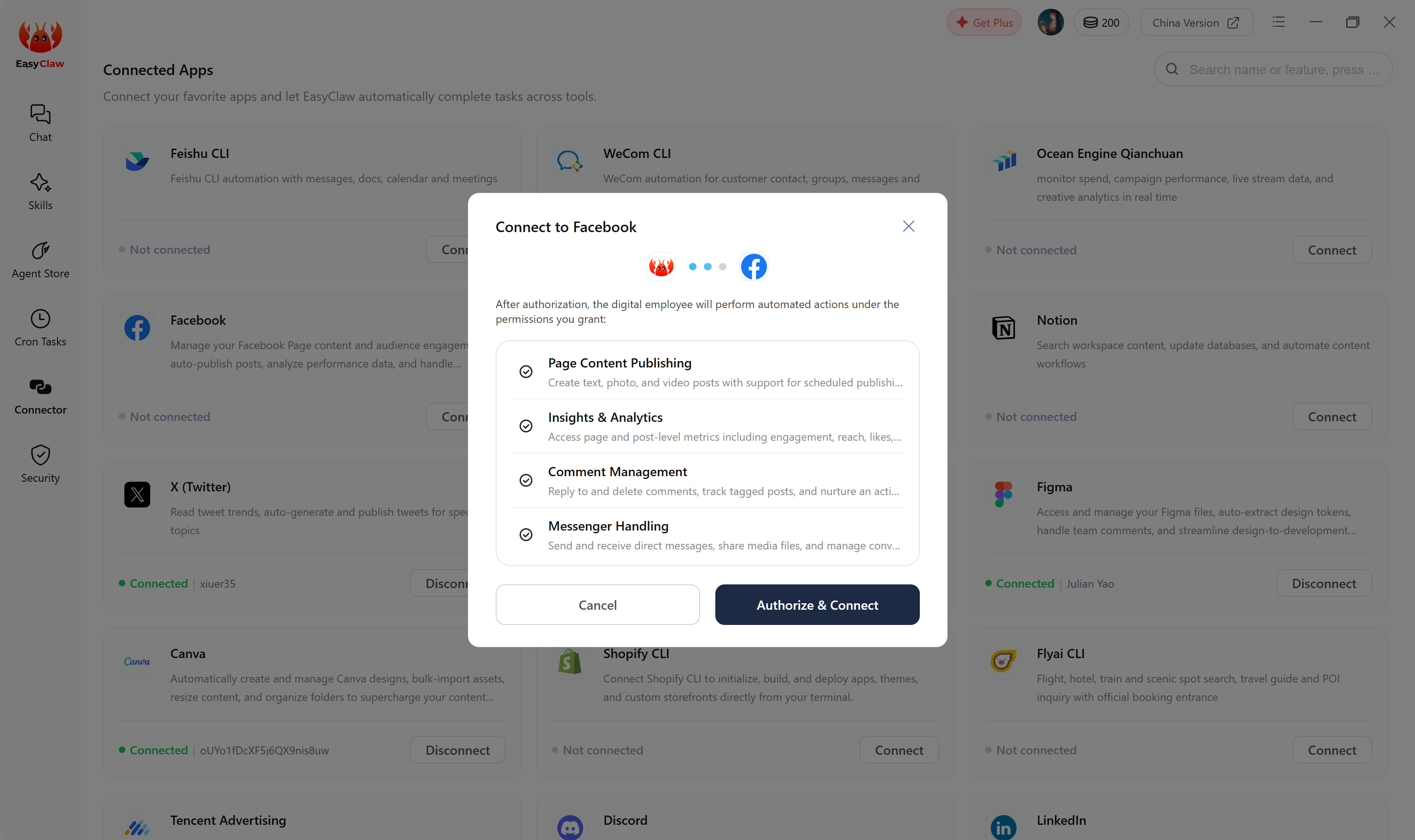
Authorize on the Facebook website
You'll be taken to a new page. Sign in to your Facebook account, then follow the on-screen prompts to choose the options that suit you and complete the connection.
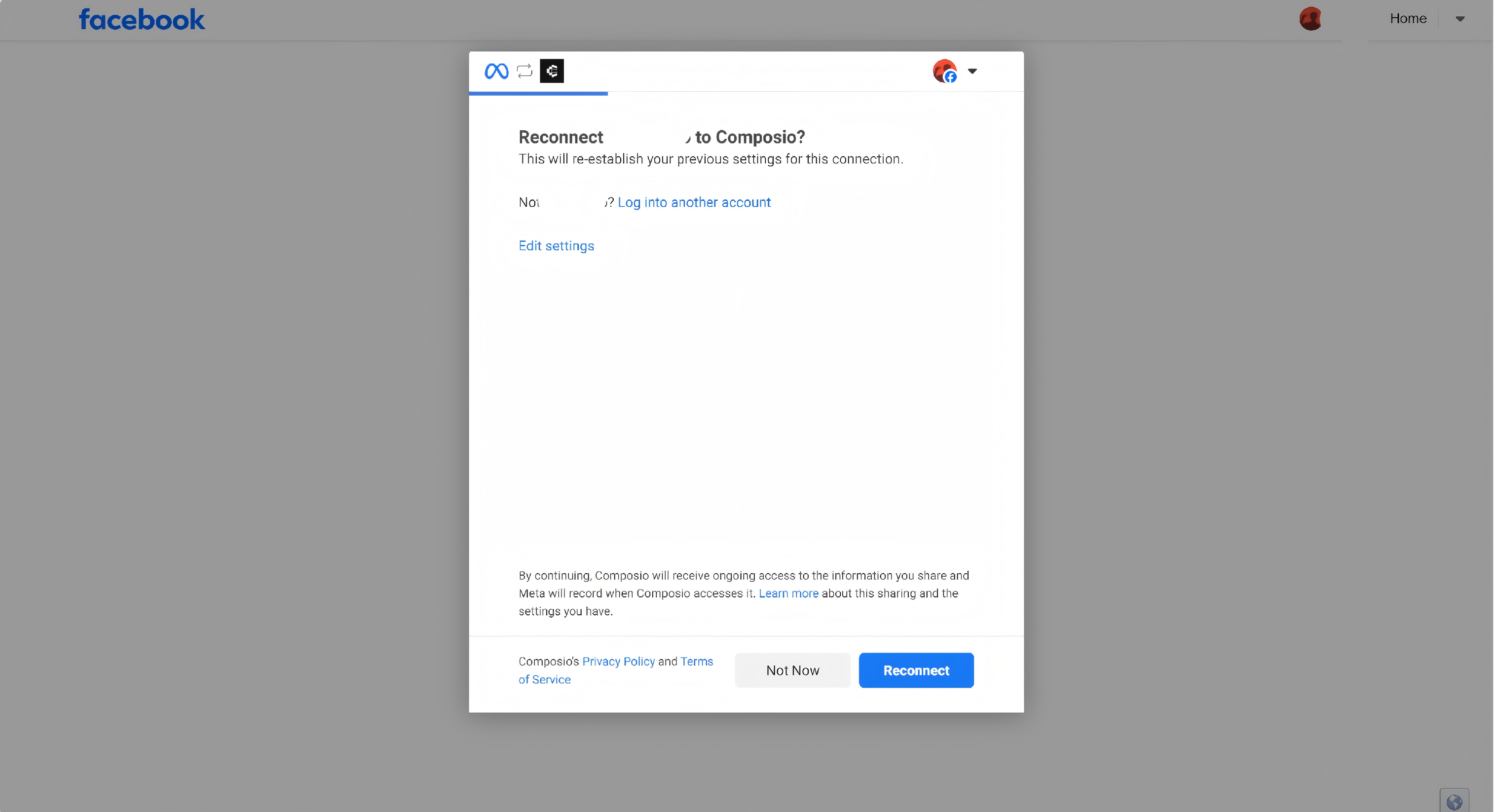
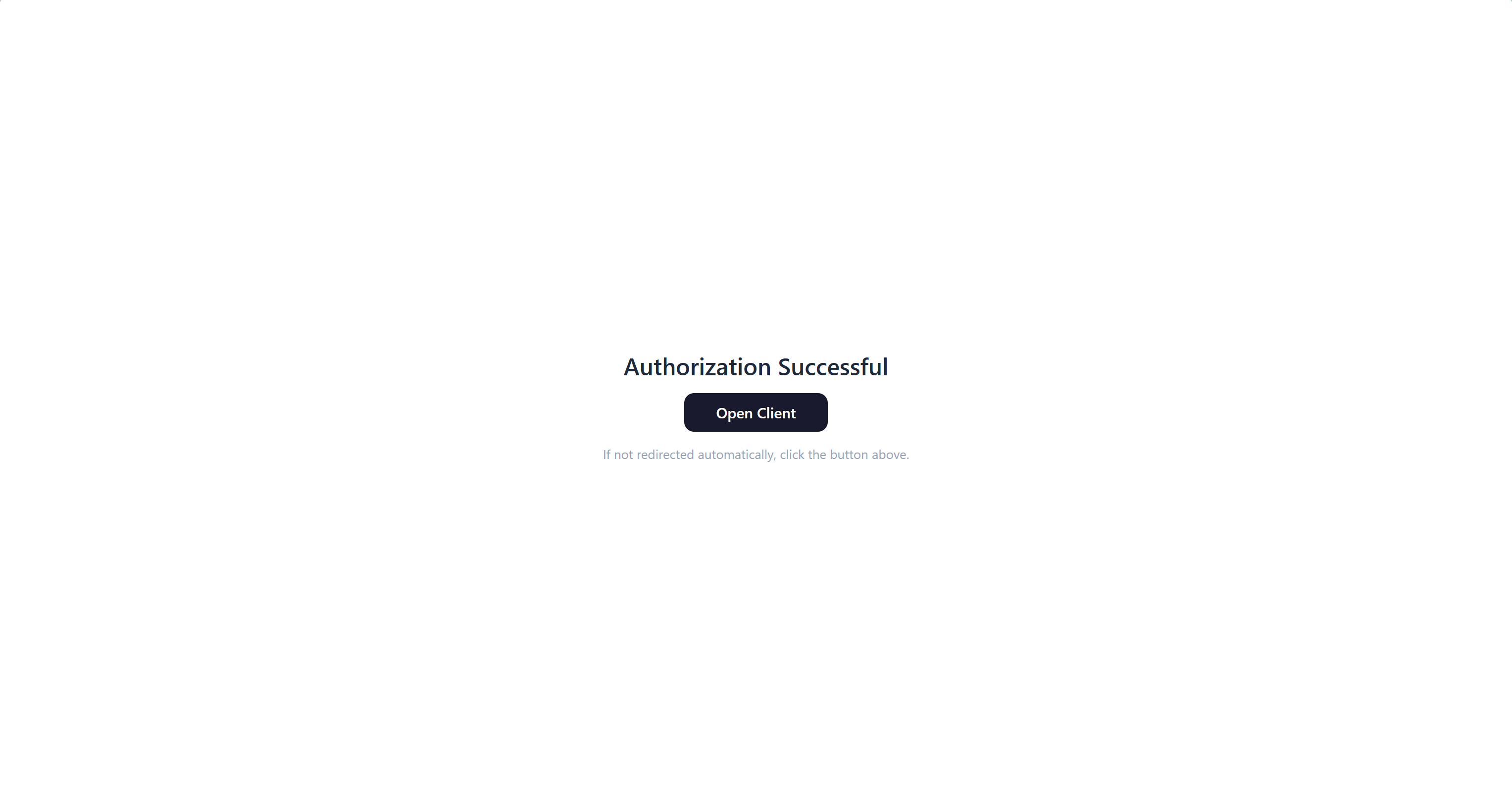
After that, head back to EasyClaw and confirm by selecting the AI employee you want to connect.
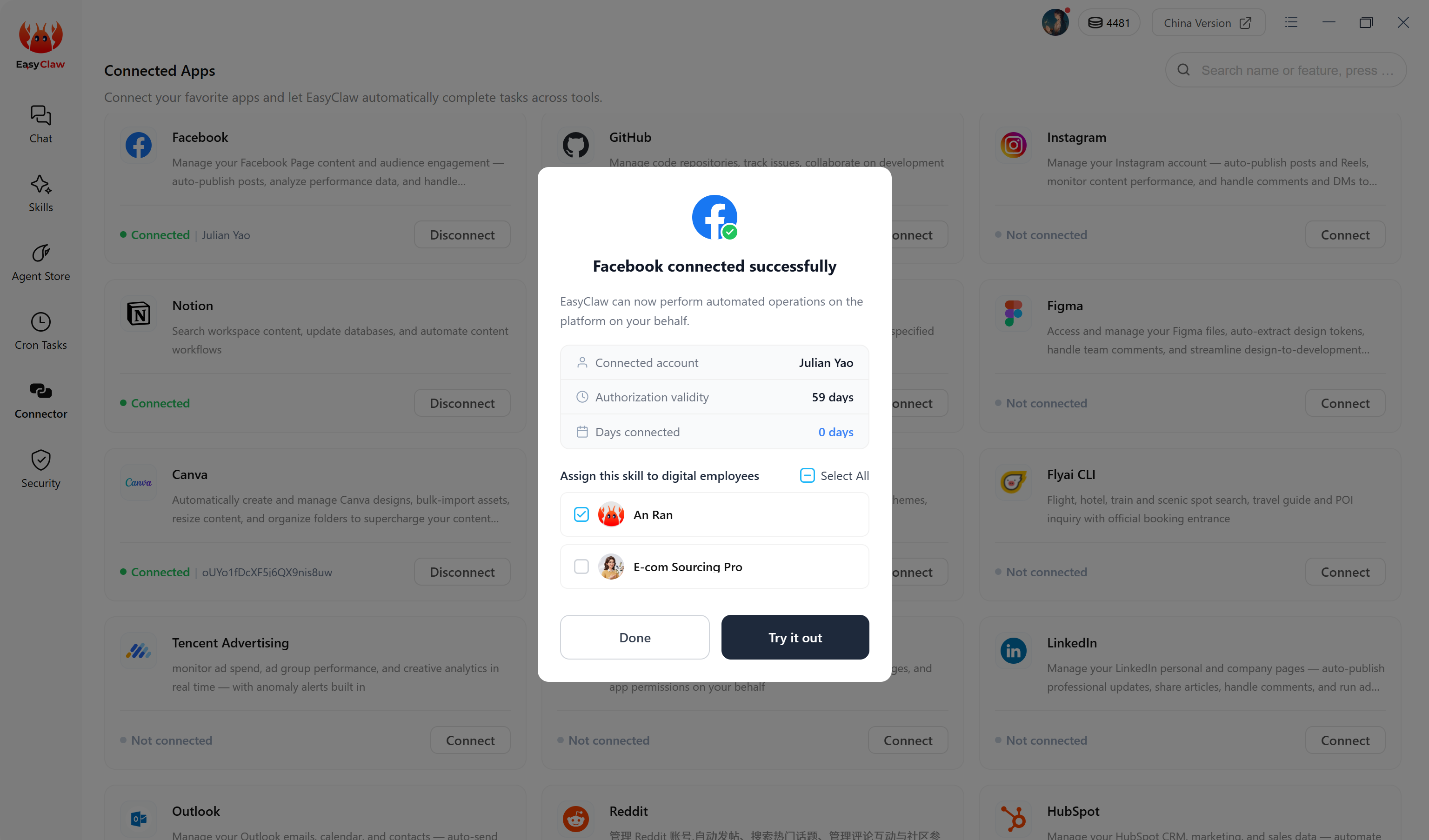
Ask EasyClaw to access your Facebook account. If it responds normally, the connection was successful — you can now manage your Facebook presence right from EasyClaw.